
KuikLinks analytics
Clicks, people, sources, campaigns and places for your links.
Analytics, KuikLinks shows how your links are used. Pick a folder, a link, a tag and a period at the top.
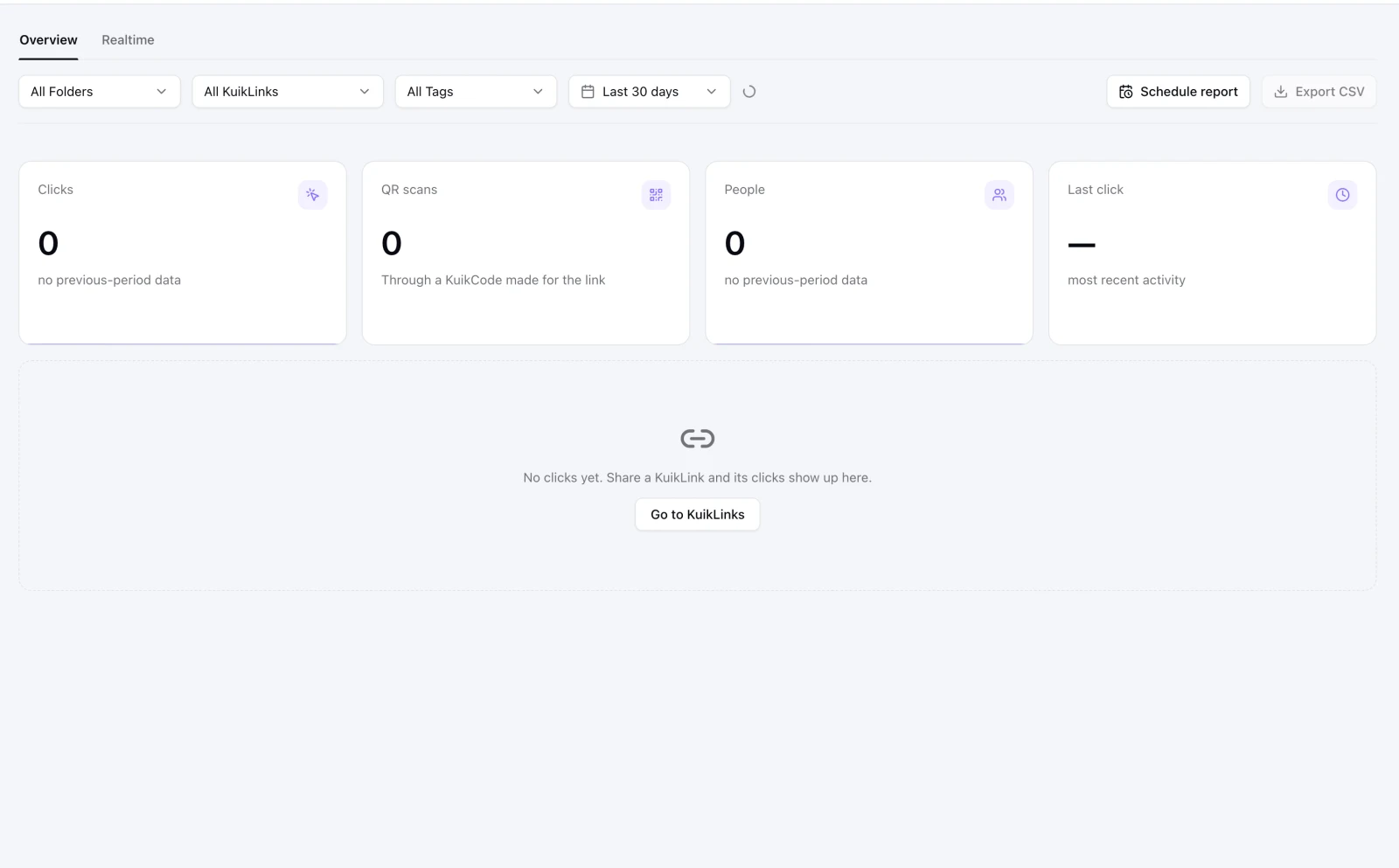
What the numbers mean
- Clicks: every visit through a link, minus the ones we can tell are not people.
- QR scans: visits that came through a KuikCode made for the link. They are counted apart from clicks.
- People: different visitors in the period.
- Last click: when the most recent visit happened.
The cards
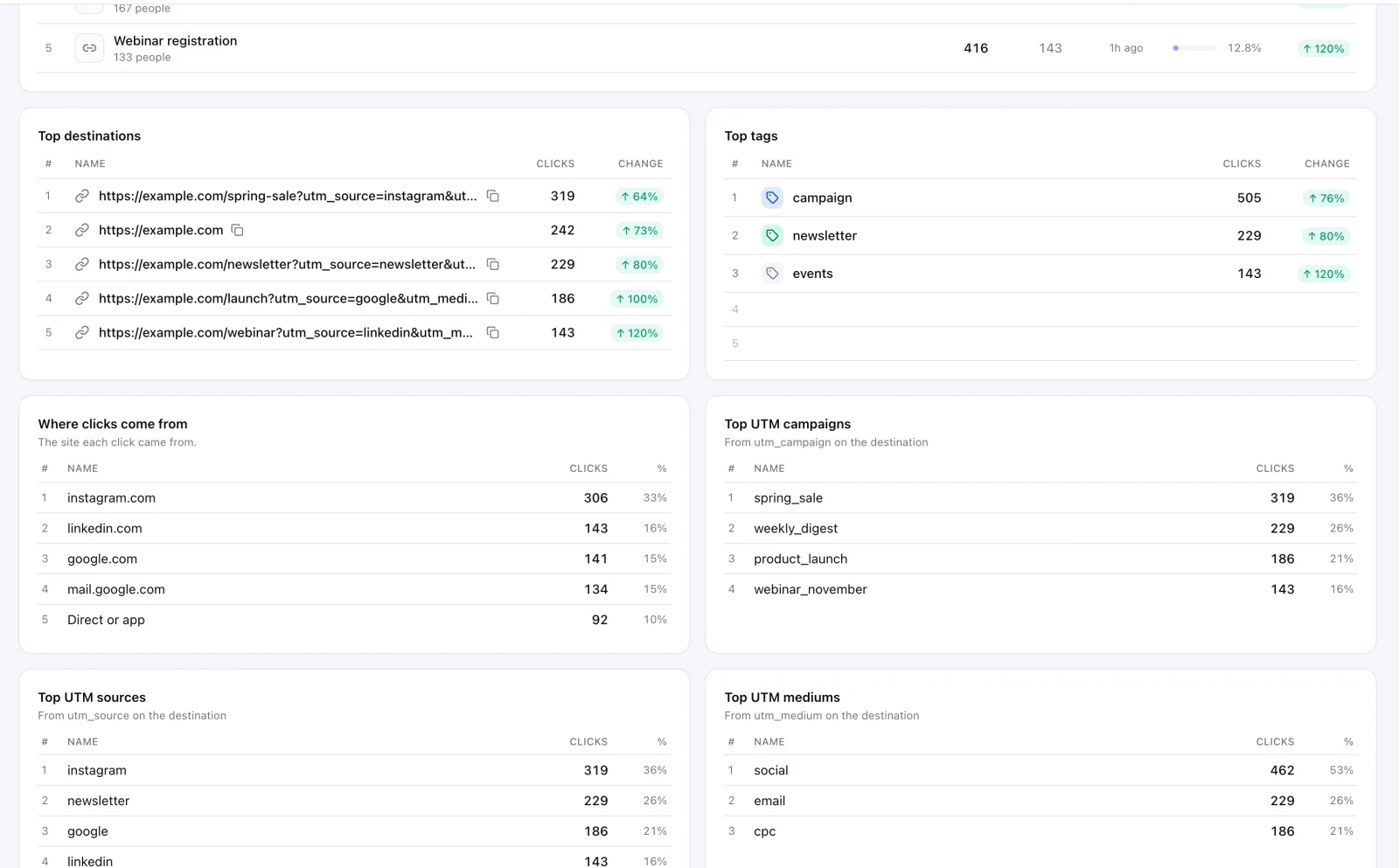
- Top performing KuikLinks, Top destinations and Top tags. Click a row to filter by it.
- Where clicks come from: the site each click came from. Direct or app means the address was typed, or the click came from an app or a messenger that does not say.
- Top UTM campaigns, sources and mediums: the UTM values on the destinations people were sent to.
- Clicks by device, by time of day and by location, with a map.
- Recent clicks: one row per visit, with View all.
Export CSV downloads the period's rows. Schedule report sends a summary by email on a schedule (Business). The Realtime tab shows the last hour live (PRO and up).
Why clicks can be higher than people who read
Email systems and chat apps often open a link before a person does, to check that it is safe or to build its preview card. KuikCode leaves out the ones it recognizes, but some look like ordinary visits. If a link sent by email shows clicks within seconds of sending, part of them are these checks.