

Link preview
Choose the image, title and description a link shows when it is shared.
When a link is pasted into a chat or a post, the app shows a card with an image, a title and a description. By default that card comes from the destination page. On PRO and Business you can set your own.
See the current card
The Link Preview card in the editor shows how the link looks on WhatsApp, X, LinkedIn and Facebook. Click each icon to switch.
Edit it
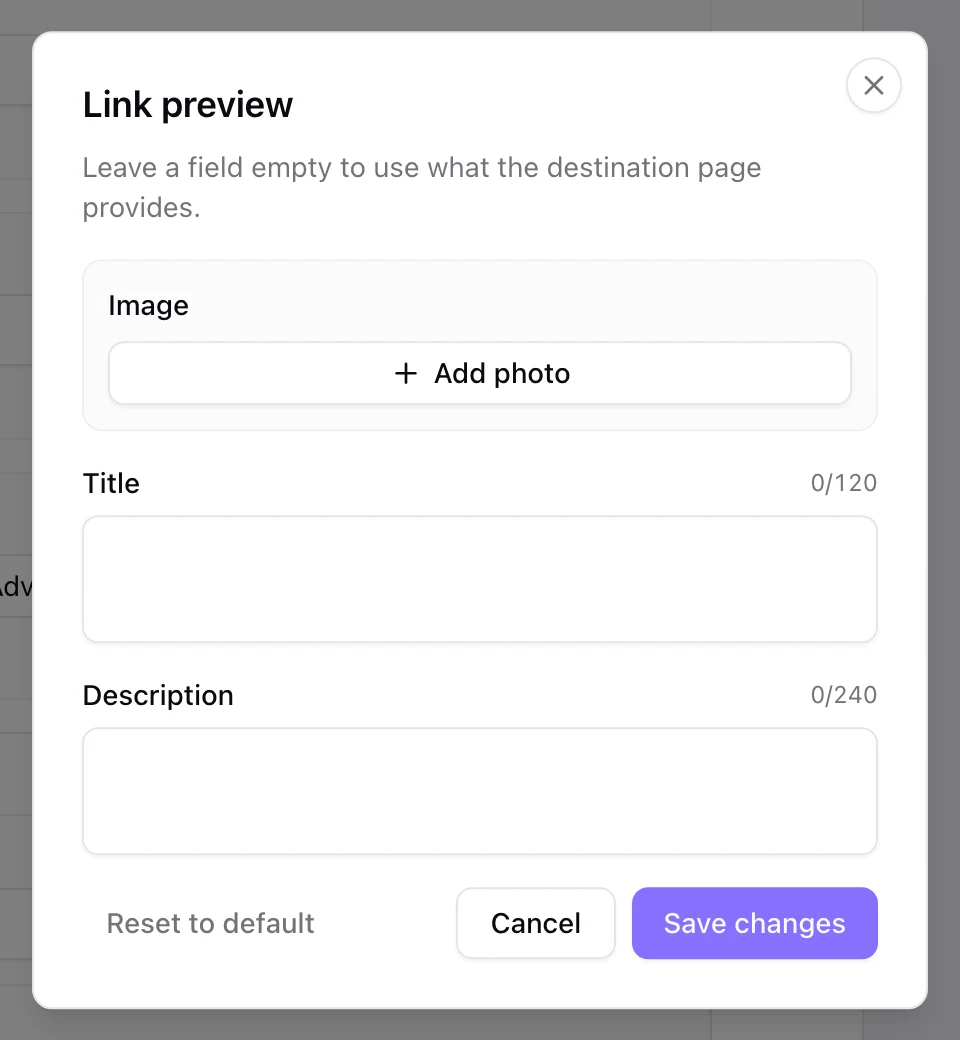
Click the pencil on the card. Add an Image, a Title of up to 120 characters and a Description of up to 240. A field you leave empty uses what the destination page provides.
Save
Click Save changes, then save the link. Reset to default goes back to the destination's own card.
Apps keep a copy of a card for a while, so a change can take time to show in places where the link was already shared.