

Analytics integrations
Stream every scan into your own Google Analytics 4 property or Meta pixel, server side, no page snippet needed.
Under Settings, Integrations, Analytics integrations connect your accounts once:
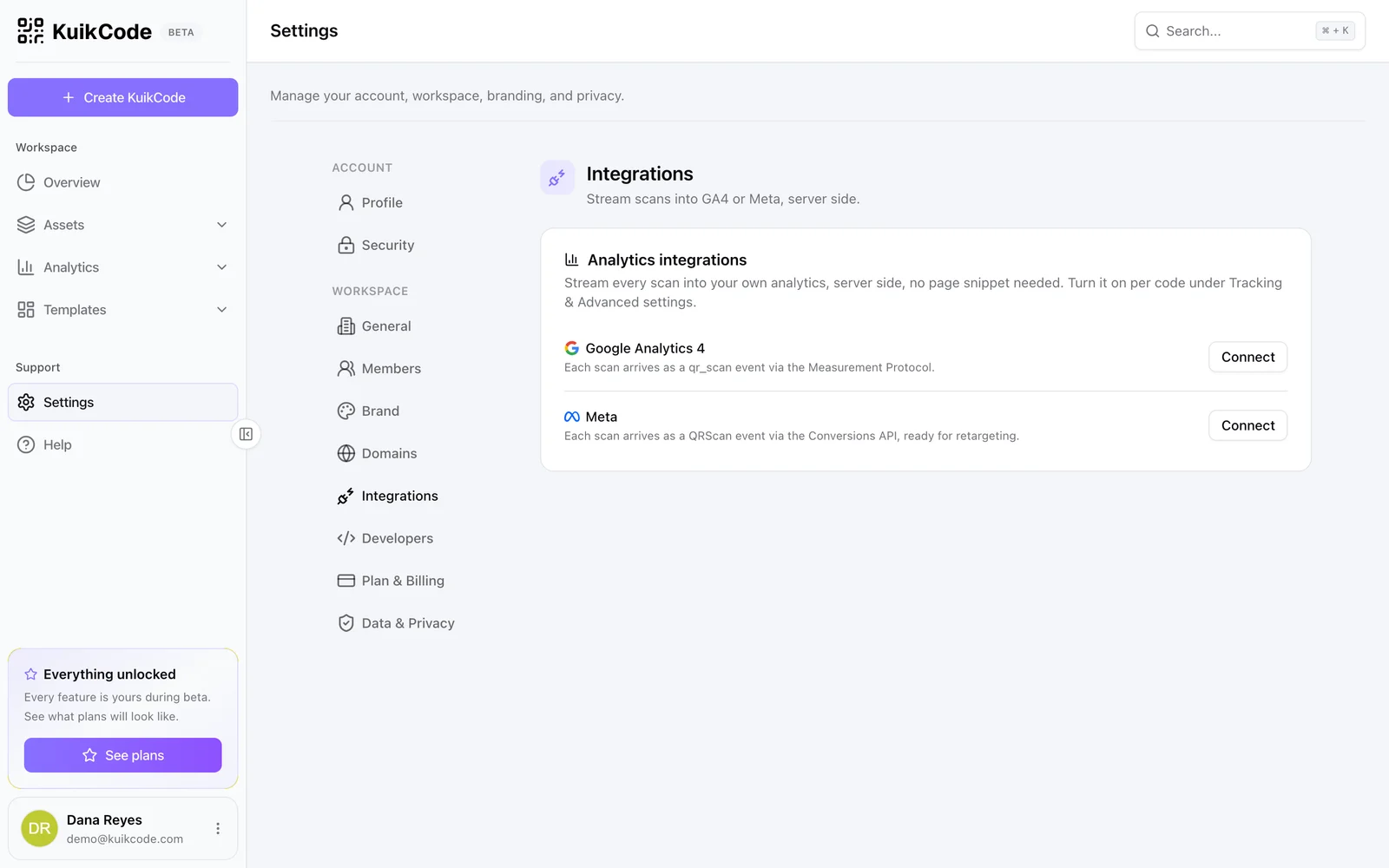
- Google Analytics 4: the property's Measurement ID (
G-XXXXXXXXXX) and a Measurement Protocol API secret. Each scan arrives as aqr_scanevent. - Meta: the Pixel ID and a Conversions API Access token. Each scan arrives as a
QRScanevent, ready for retargeting audiences.
Credentials are stored for sending only and never shown again. Then, per code, switch on Send scans to Google Analytics or Send scans to Meta under Advanced in Step 3; until an account is connected the rows say Not connected.
For ad audiences rather than analytics, see Retargeting pixels: server-side events cannot cookie a visitor, the browser pixel can.
Events are sent from KuikCode's servers right after the redirect, with the scan's country, device and destination. No script runs on the visitor's phone and nothing changes for the destination page. Analytics integrations are included from the PRO plan.