

The library
Every code, folder, tag and uploaded file in one place, with the actions you need after printing.
KuikCodes
Assets, KuikCodes lists every code as cards or rows (the toggle next to the filters). Active and Archived tabs split them; the filters narrow by tag, sort by last updated, created, name or scans, and the search matches names.
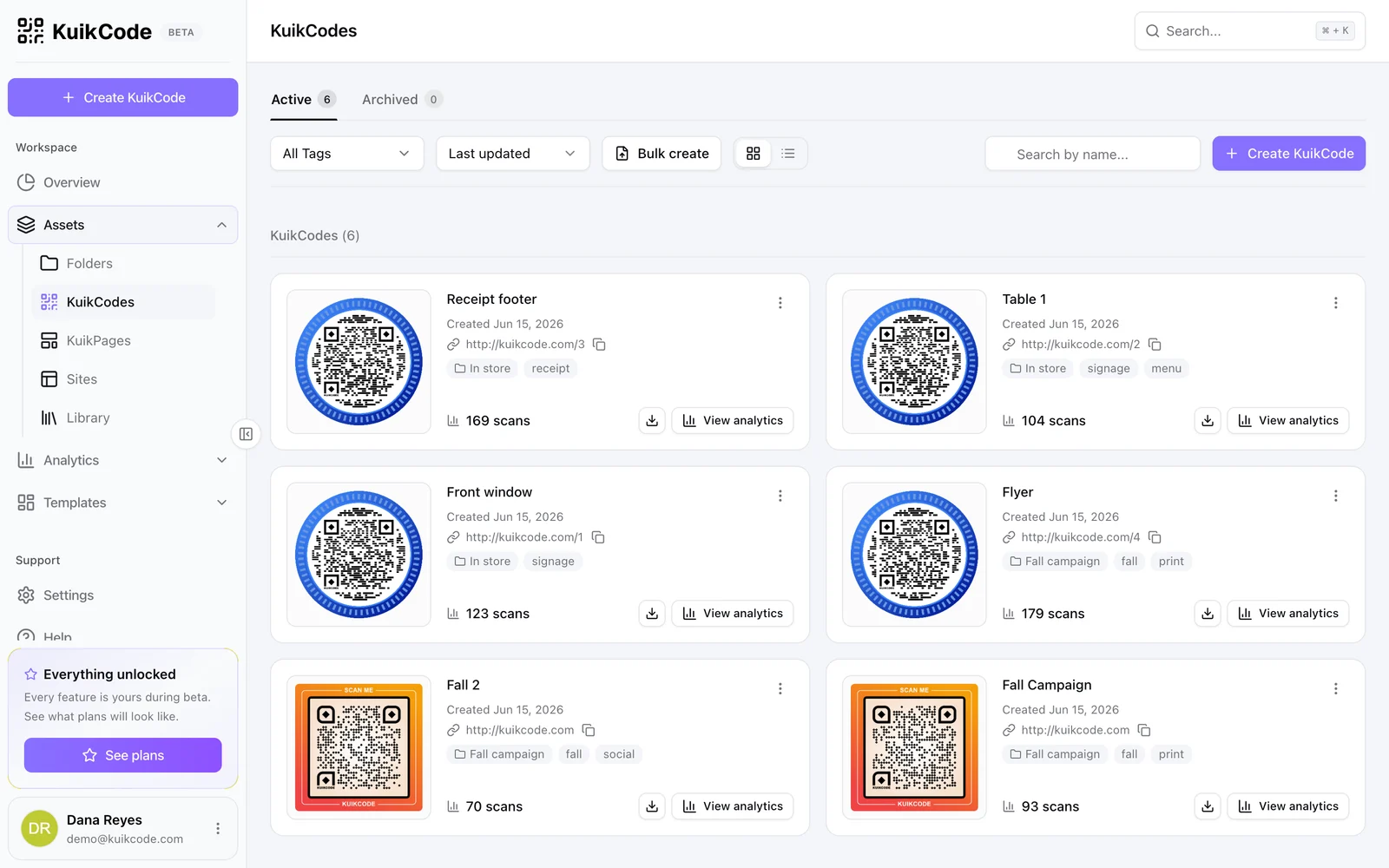
Each card shows the artwork, creation date, destination with a copy button, folder and tags, lifetime scans, a quick PNG download and View analytics. The card menu offers:
- Edit: opens the editor.
- Duplicate: copies design and destination into a new code with its own scan link.
- Rename and Move to folder.
- Archive: stops the code, frees its slot, keeps its analytics. Restore brings it back.
- Delete: removes the code and its analytics for good. Deleted codes stop redirecting.
Select several cards to move, tag, archive or delete them together. Bulk create in the toolbar jumps to the CSV tool.
Folders
Assets, Folders groups codes by campaign, client or location. A folder card previews its codes and shows the number of subfolders, codes and lifetime scans; View analytics opens Analytics filtered to that folder. Folders nest, and moving a folder moves its contents.
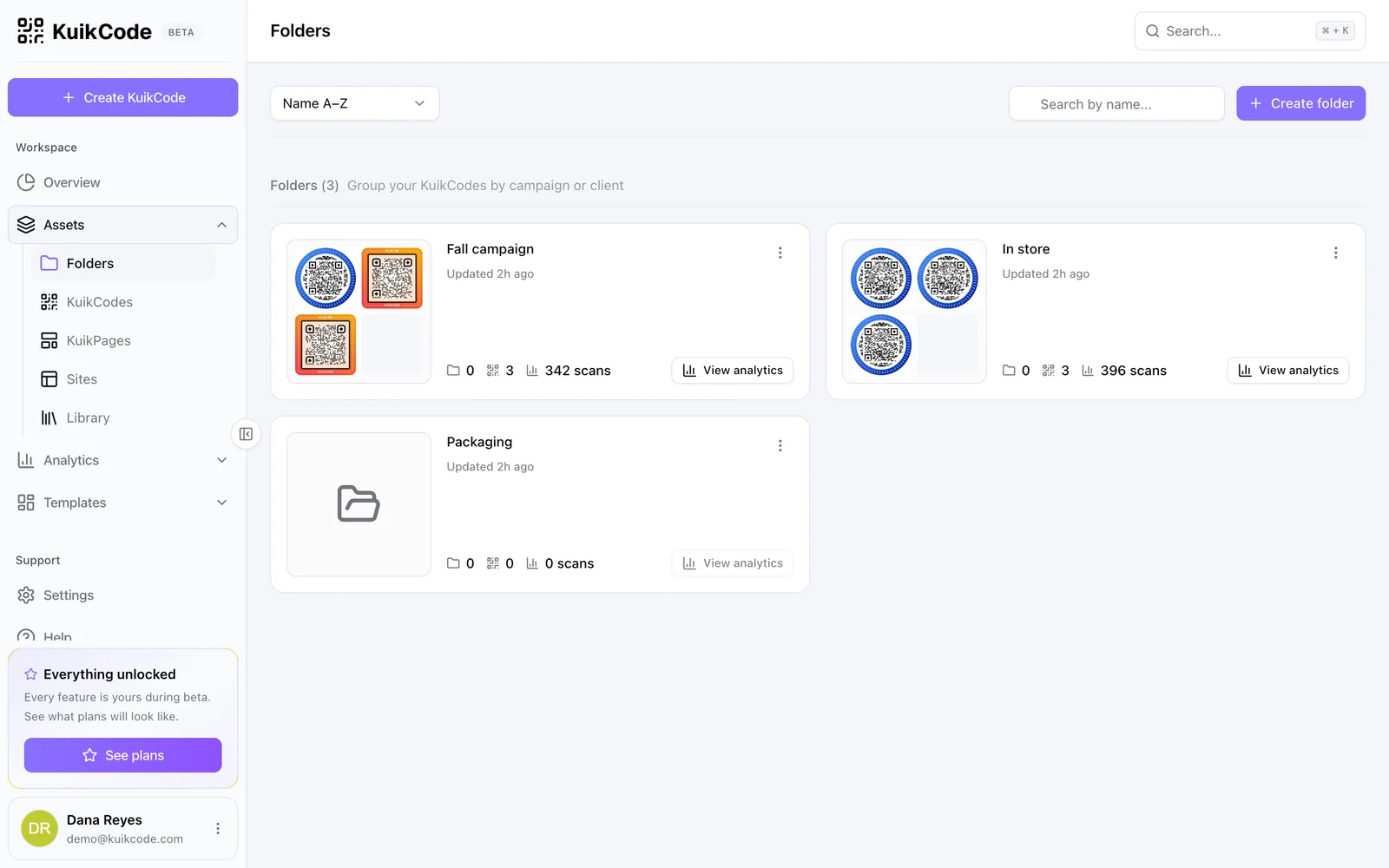
Create folders here, inline while saving a code, or through the API. Every plan has a folder ceiling; it is unlimited from PRO.
Tags
Tags are free-form labels on codes: fall, print, menu. They filter the KuikCodes list and the Analytics page, and they appear as Quick picks when tagging the next code. Rename or drop a tag by editing the codes that carry it.
Library
Assets, Library holds every file you uploaded: logos, photos used as backgrounds or frames, PDFs and images used as destinations, stickers and the photos in your KuikPages. Files are grouped by kind and show format, size and date. Upload here to have a file ready before designing, or pick From library wherever the editor asks for an image.
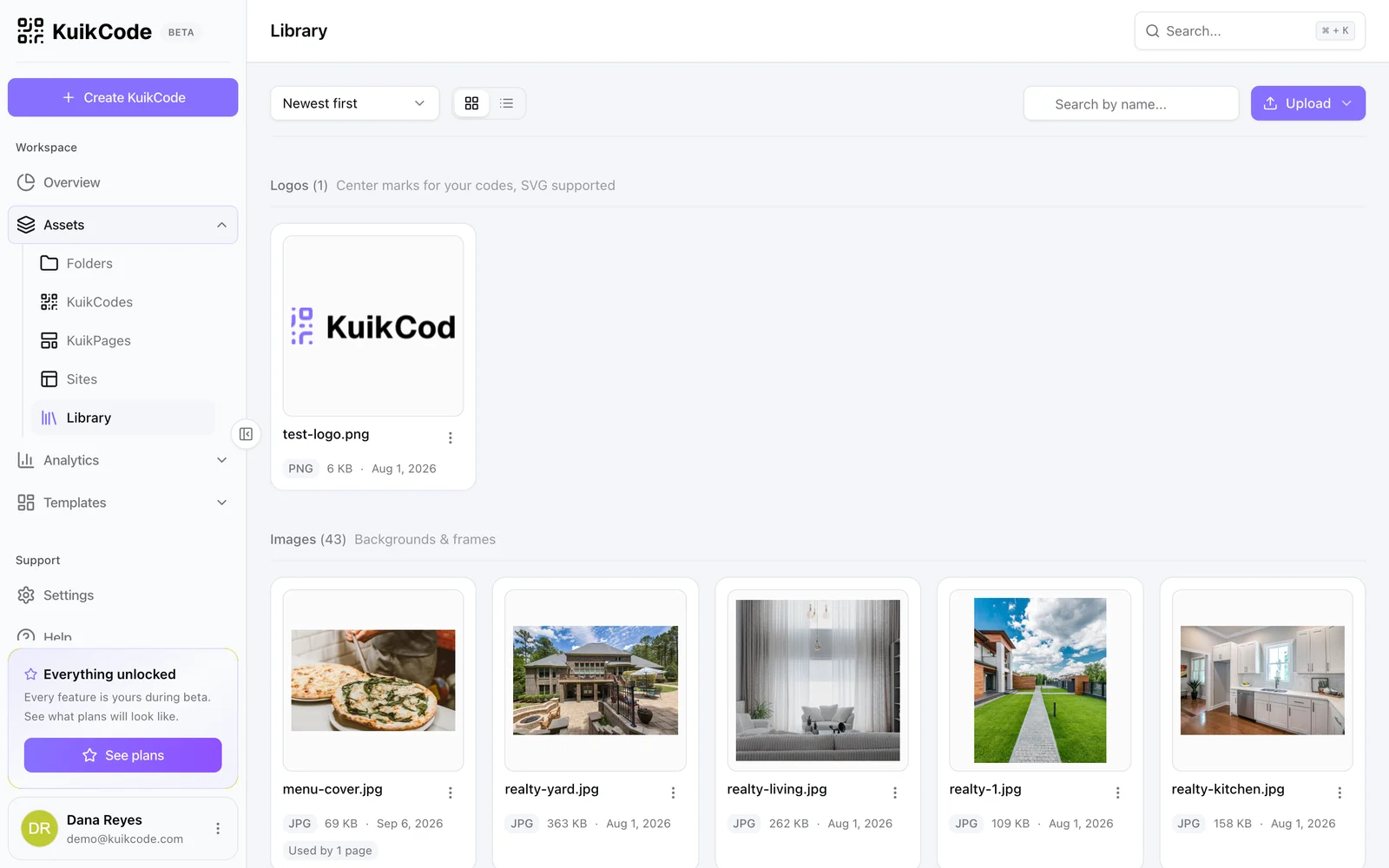
Library storage counts against the plan's allowance, from 50 MB on Basic to 5 GB on Business, with a per-file cap.