

Smart Rules on a link
Send people to different addresses by country, device or time.
Smart Rules send each person to the address that fits them, and everyone else to the link's destination. Available on PRO and Business, once the trial becomes a plan.
Open Smart Rules
In the editor, pick the Smart Rules card under Destination (on a saved link, click Change first). Its Default URL is where people go when no rule matches.
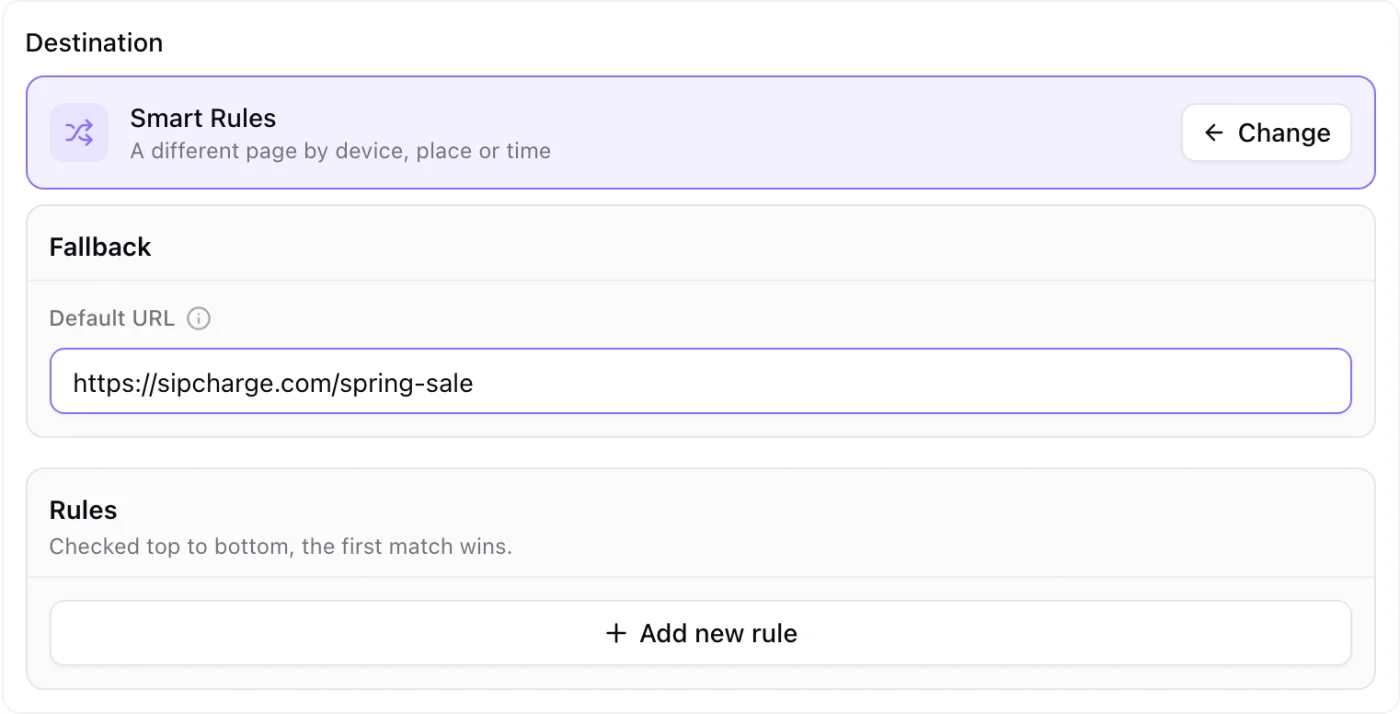
Add a rule
Click Add new rule, choose what it looks at (country, region, device, language, day or time) and the address it sends to. Rules are checked top to bottom and the first match wins.
Save
Click Save, then save the link. The Fallback address is where everyone goes when no rule matches.
Every address in a rule is checked like the destination. The builder is the same one KuikCodes use; Smart Rules explains each condition.