

Hosted sites
Upload a zipped static website and KuikCode serves it at your-name.kuik.page.
For pages built elsewhere, an export from a site builder, a generated microsite, a static HTML brochure, choose the Hosted Site destination in the KuikCode editor and drop the ZIP. The site goes live at your-name.kuik.page and the code points at it.
What the ZIP can contain
- Up to 15 MB and 300 files.
__MACOSX,.DS_Store,.git,node_modulesand dotfiles are ignored. - HTML, CSS, JavaScript, JSON, text and XML, images (PNG, JPG, WebP, GIF, SVG, ICO, AVIF), fonts (WOFF, WOFF2, TTF, OTF), MP4, WebM, MP3, PDF, source maps and web manifests.
- An
index.htmlat the root becomes the home page.
Publish from an assistant or the API
An AI assistant connected through the MCP server can publish a site it built for you: ask it to "publish this site" and it packages the files as a ZIP, confirms the name and address with you, and sends back the live link. The same rules apply as for an upload: index.html at the root, the file types above only, and the same size limits. Server code such as PHP is skipped, and there is no backend, so forms need a third-party service.
With the API, POST /v1/sites takes a name, a subdomain and the ZIP as base64, and POST /v1/sites/{id}/deploy replaces the files of an existing site. Requests are capped at about 3 MB of ZIP; for anything bigger, POST /v1/sites/uploads returns a URL to PUT the file to first:
# 1. Ask for an upload URL with the exact ZIP size
curl -X POST https://api.kuikcode.com/v1/sites/uploads \
  -H "Authorization: Bearer kc_live_..." -H "Content-Type: application/json" \
  -d "{\"size\": $(wc -c < site.zip)}"

# 2. PUT the ZIP to the uploadUrl it returns
curl -X PUT -H "Content-Type: application/zip" --data-binary @site.zip "<uploadUrl>"

# 3. Publish it
curl -X POST https://api.kuikcode.com/v1/sites \
  -H "Authorization: Bearer kc_live_..." -H "Content-Type: application/json" \
  -d '{"name": "Spring menu", "subdomain": "spring-menu", "uploadId": "<uploadId>"}'
The upload URL is valid for 10 minutes and each upload publishes once. An upload that is never published is deleted after a day. The response lists any files that were left out in skipped.
Managing sites
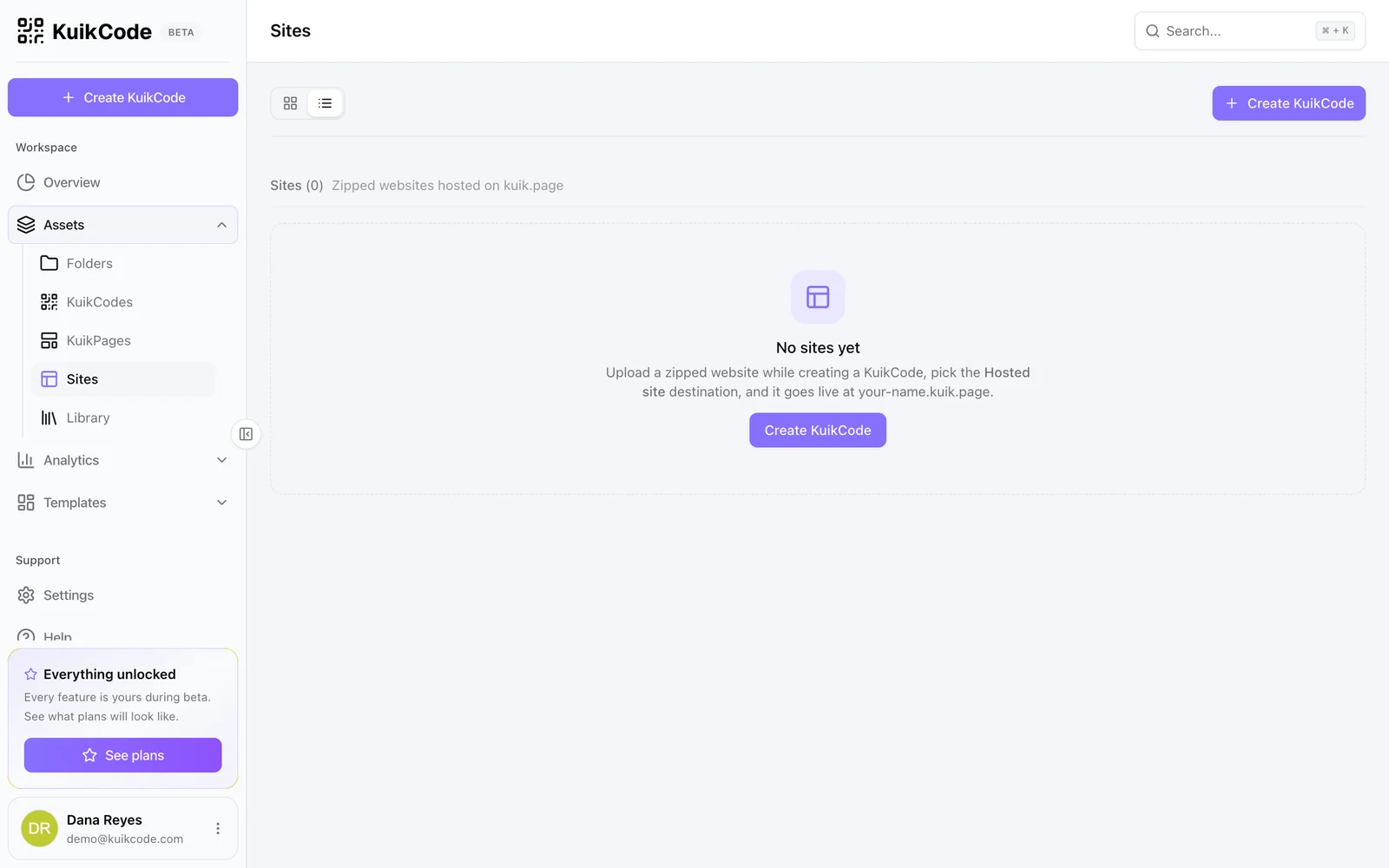
The Sites collection lists every hosted site with a thumbnail taken from its own social image. From there you can rename the address, Redeploy a new ZIP to the same address, or delete a site. Deletion is blocked while active KuikCodes point at the site; repoint them first.
Sites count towards the plan's hosted sites allowance (one on Core, five on PRO, twenty on Business) and can be served on a custom domain like a KuikPage.